Plan the week, not the system.
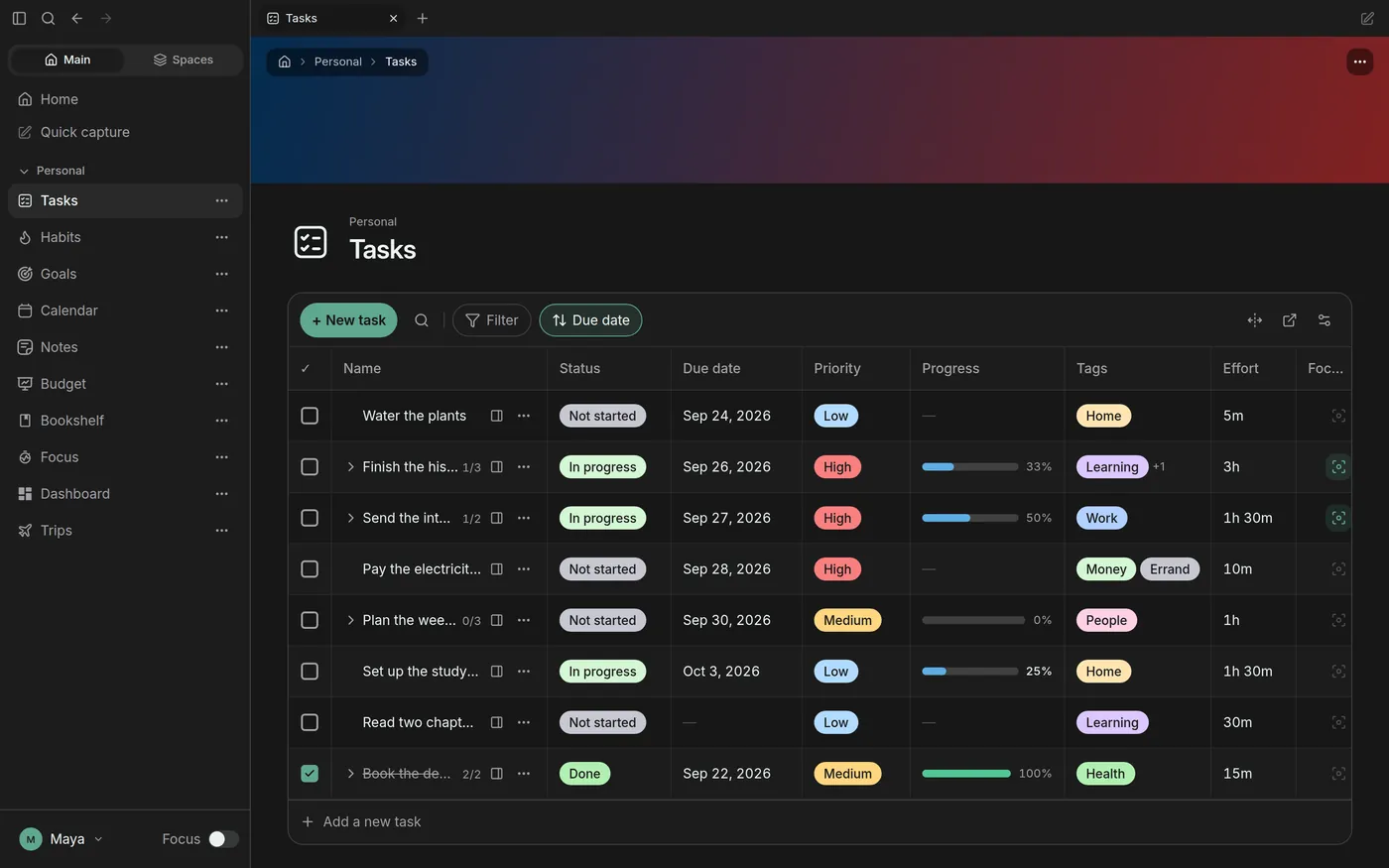
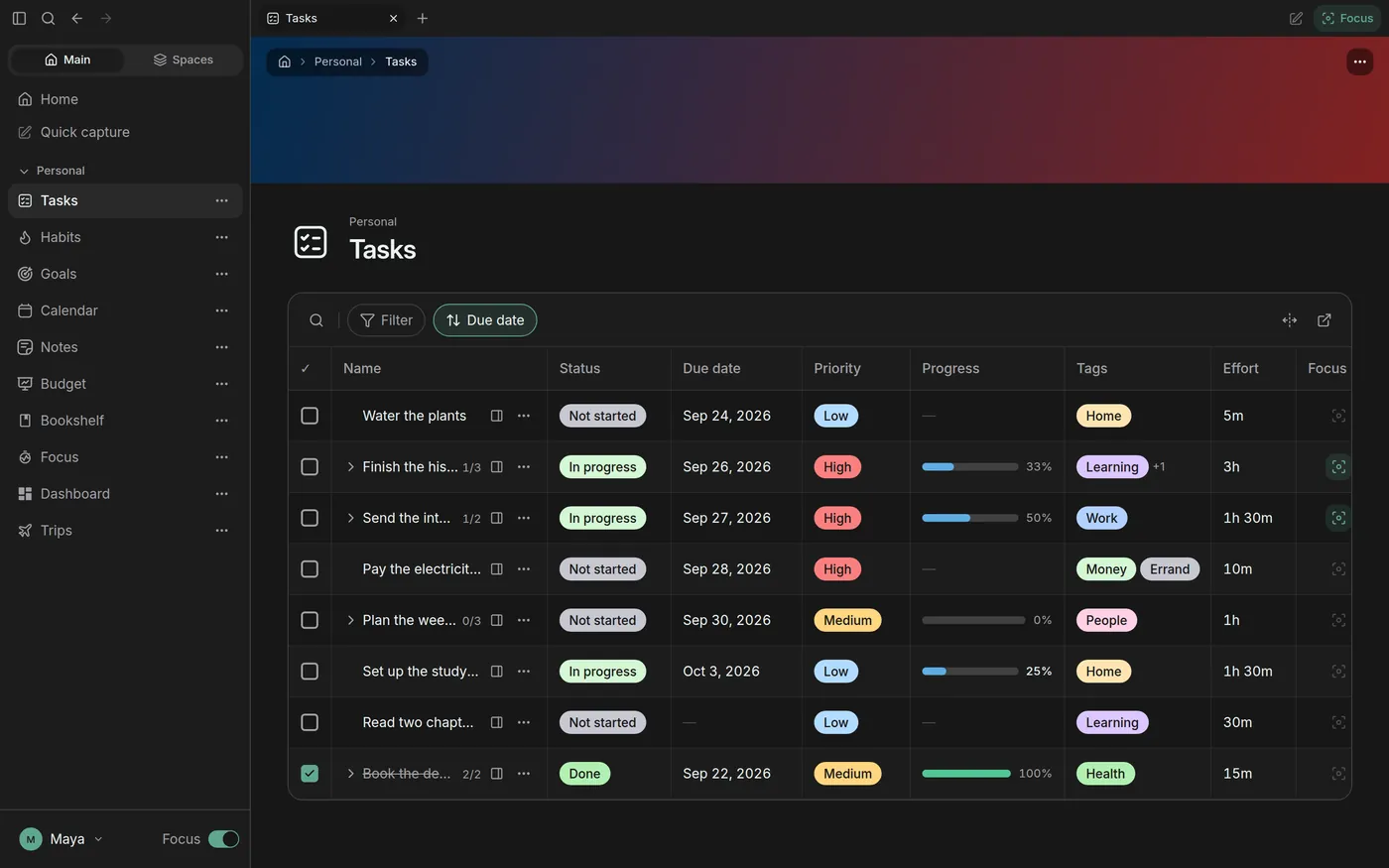
Priorities, due dates, tags and progress on one list. Open it and start, there is nothing to set up first.
Tasks, calendar, habits, goals, notes and money, finally in one place. Free while Lifey is in beta.
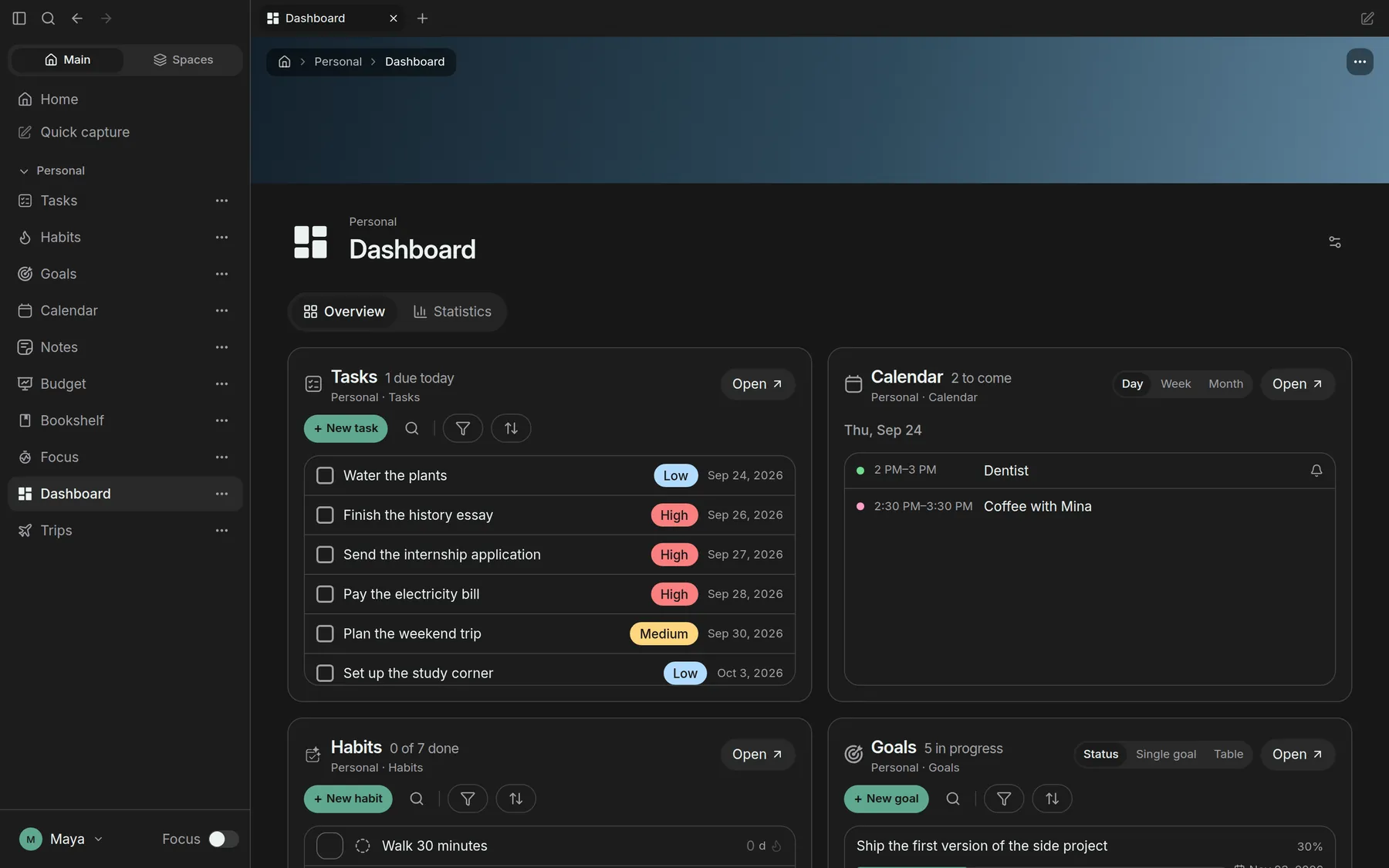
Every page knows about the others. A task moves a goal, a focus session lands on a task, the dashboard reads all of it.
Priorities, due dates, tags and progress on one list. Open it and start, there is nothing to set up first.
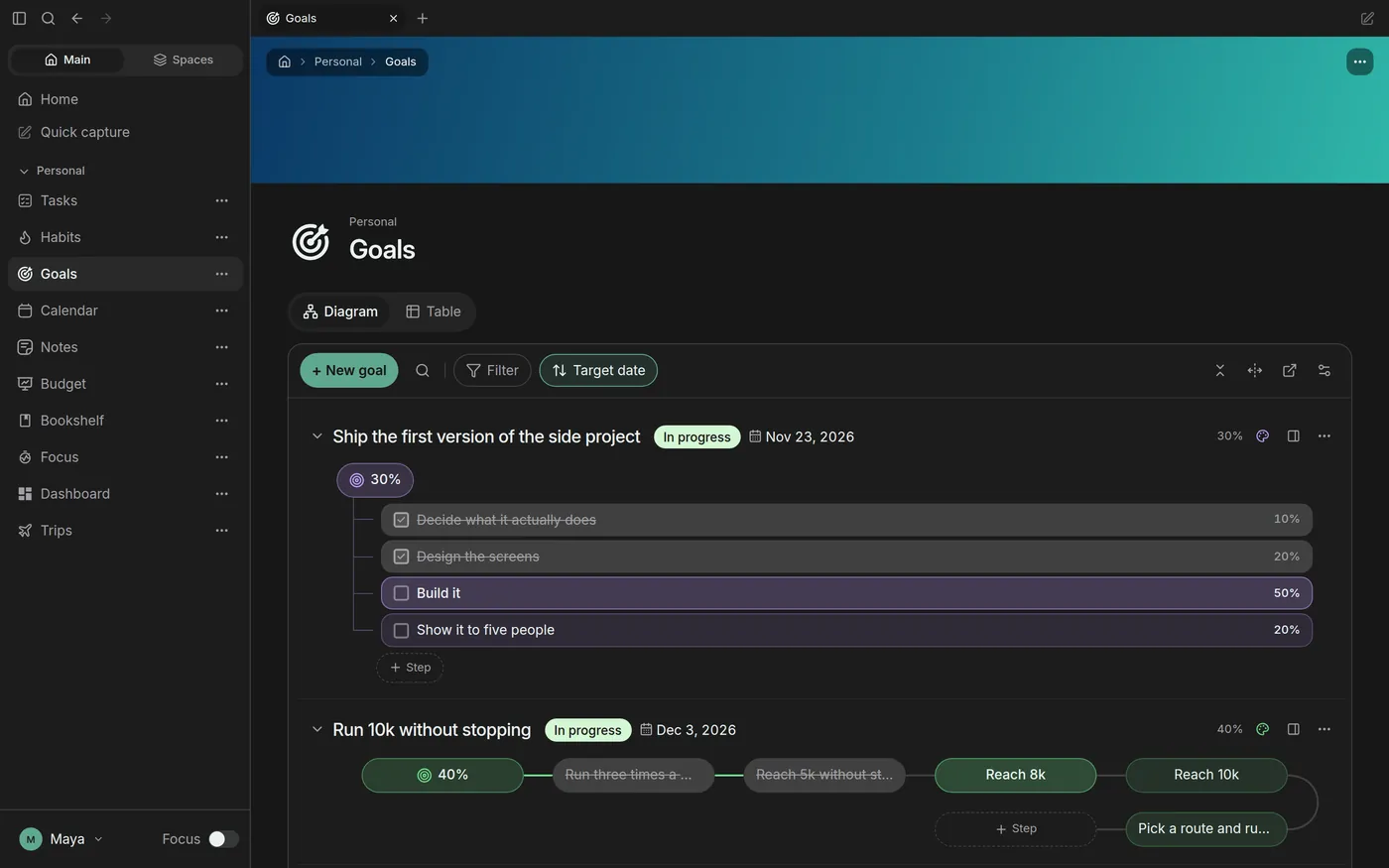
Break a goal into weighted steps and watch its progress fill in as the steps get done.
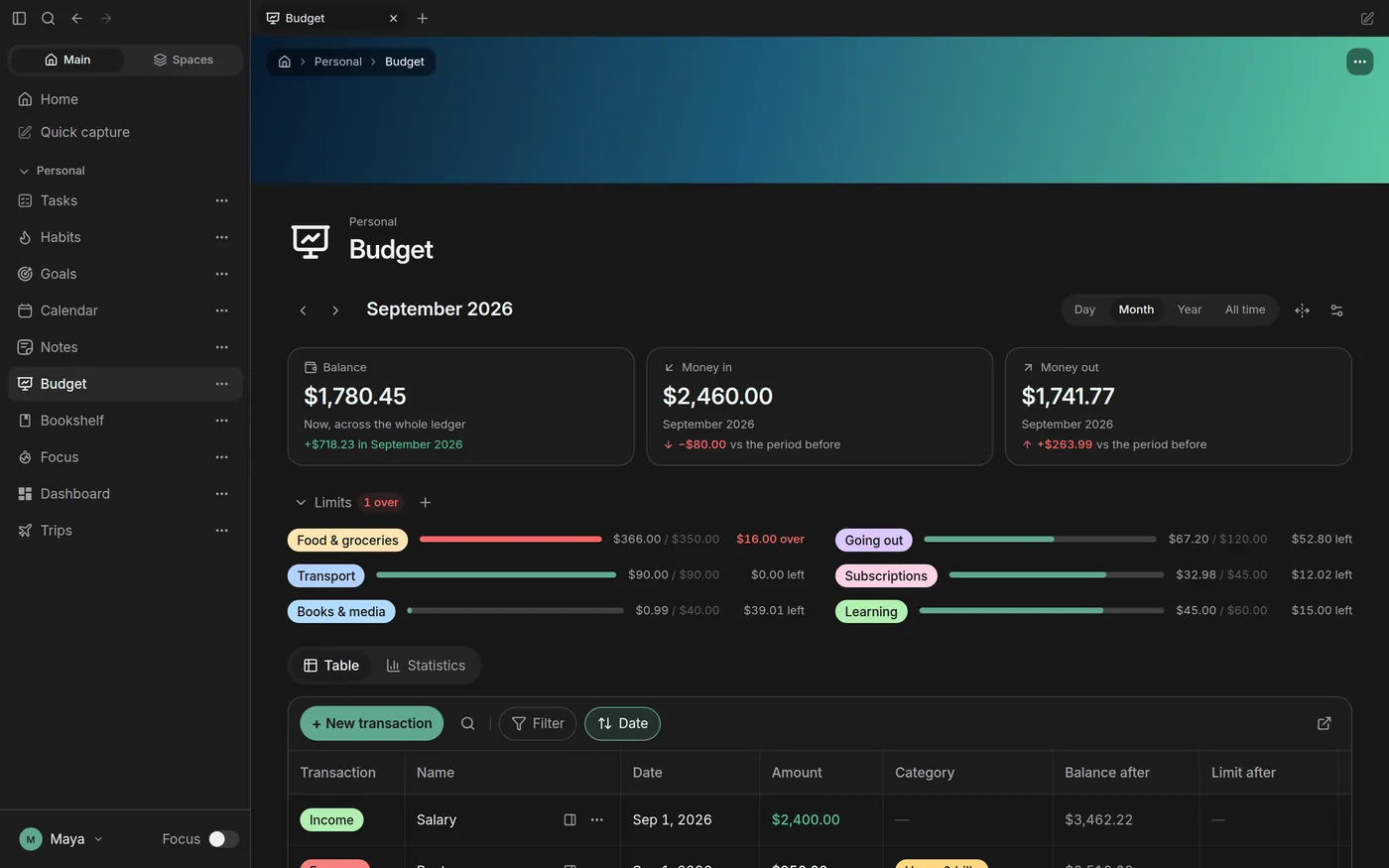
Monthly limits per category, so you notice the overspend in week two instead of on payday.
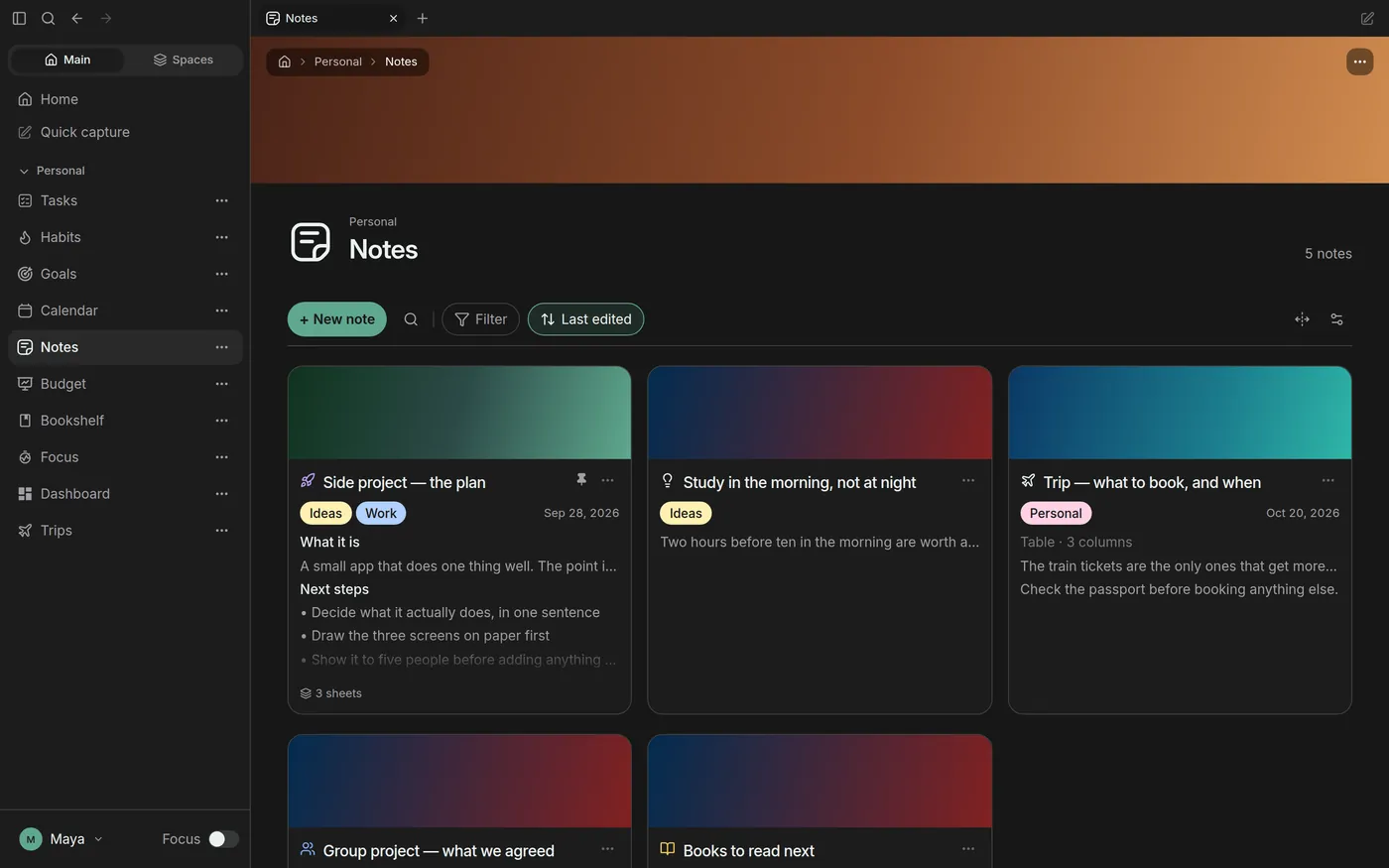
Notes with several sheets, covers and tags, kept beside the tasks they turn into.
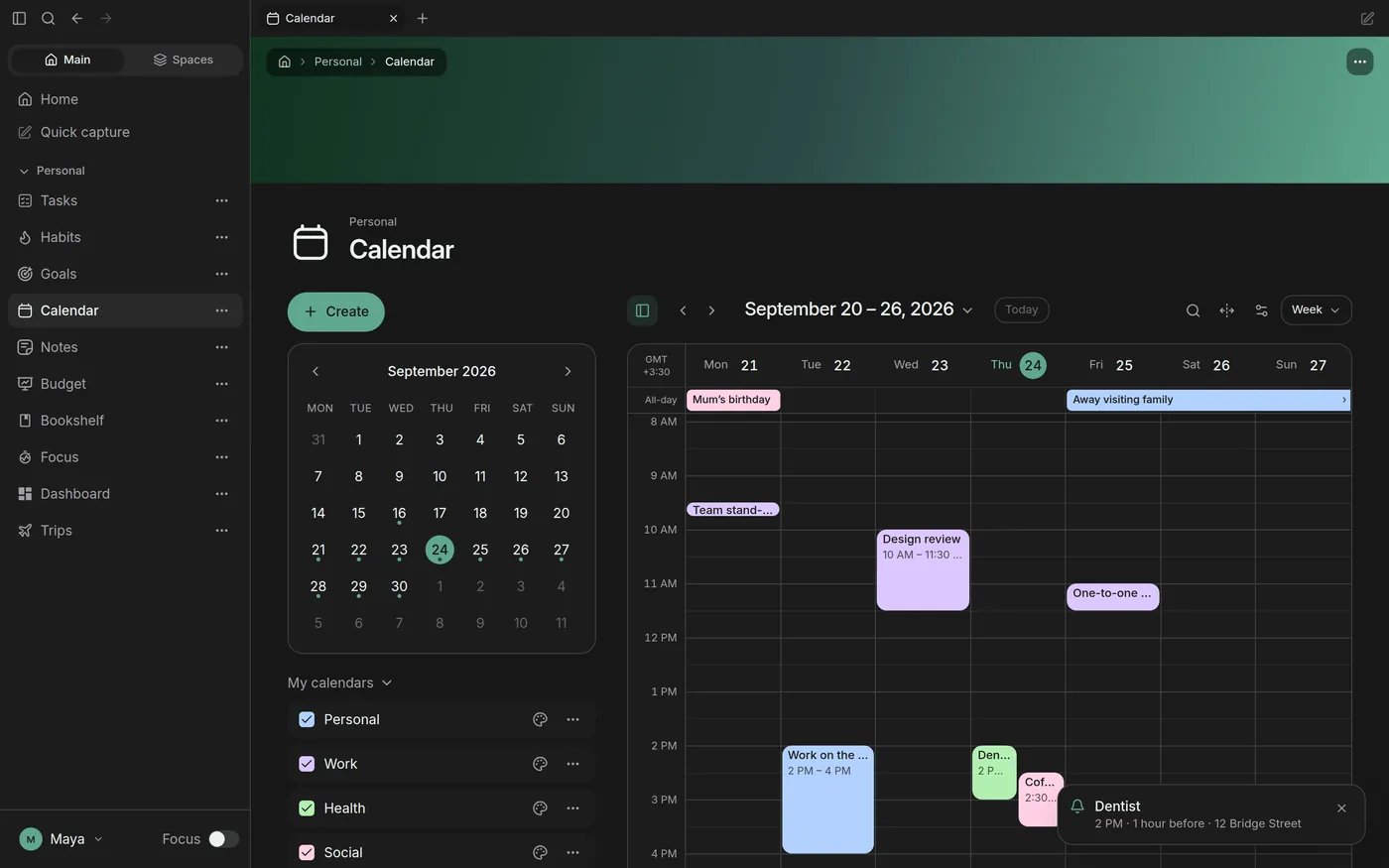
Month, week and day views with your tasks on them. Times stay on the wall clock, so travel never moves your week.
One switch hides menus, renaming and rearranging, so the page is only your work. Everything still works, and it flips back any time.
Most of us plan across five apps. A list here, a habit tracker there, a budget in a spreadsheet. Each one is good at its job and blind to the rest. Lifey keeps the useful core of each, in one window.
Every page opens with example data that shows what it can do. Clear it in one click when you are ready for your own.
Tasks, calendar, habits, goals, notes, budget, books, focus and quick capture.
Habit streaks are counted from what you actually did, never handed out.
Start a focus session on a task and the time is logged on that task.
Keep work and home apart without keeping two apps.
Everything is free during the beta. Premium comes later, and only once the free core has earned a place in your day.
Everything, for the whole beta. No limits, no card.
Free for the entire beta period
For when the habit is built and you want more.
or €36 a year, three months free
Core features stay free. Premium will never gate what you already rely on.
Install Lifey on your computer or open it in the browser. Your workspace is the same in both.
Opens from your dock like any other app, with reminders from your own system.
Open Lifey in your browser. Nothing to install, and your workspace follows you to any device.